What hardware do I need?
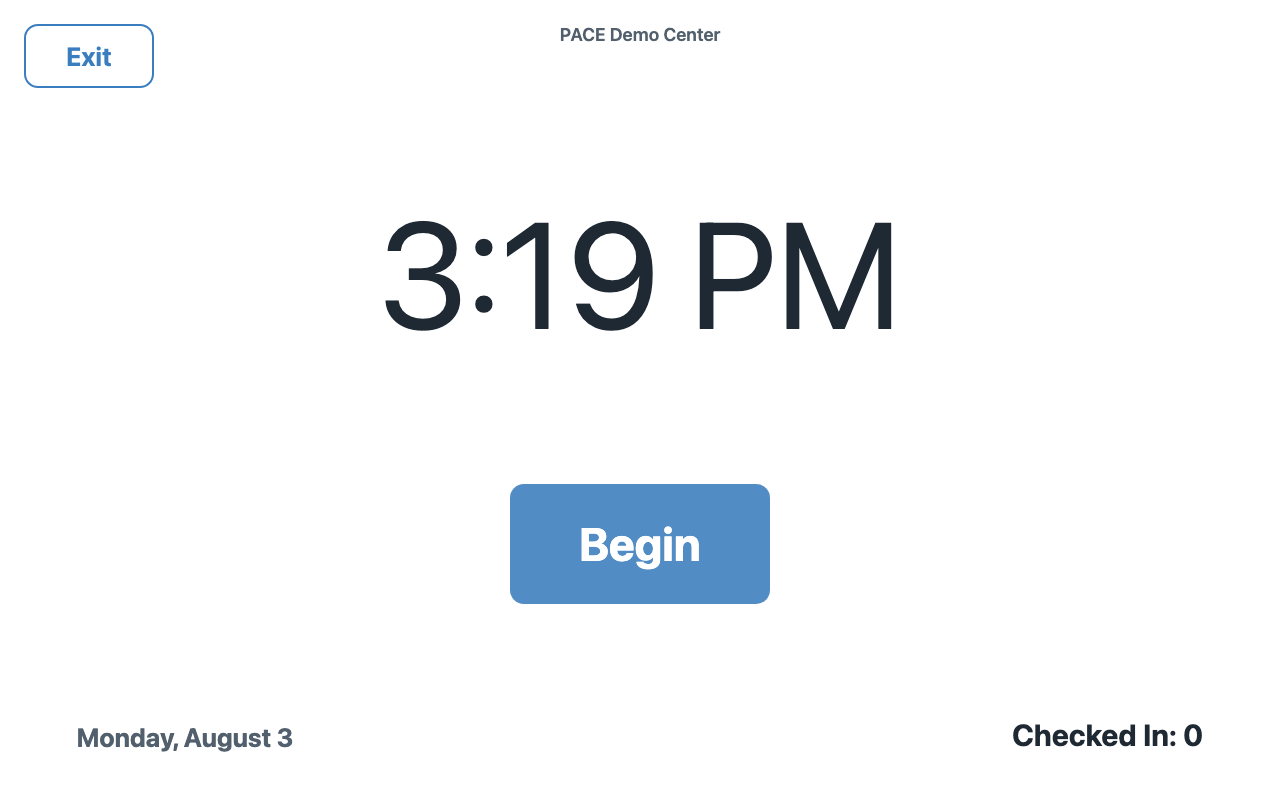
Any iPad from the last several years, on your center's Wi-Fi. PACE runs in Safari — add it to the home screen and it behaves like an app. Your own computer or phone works for the dashboard.
What happens if the internet goes out?
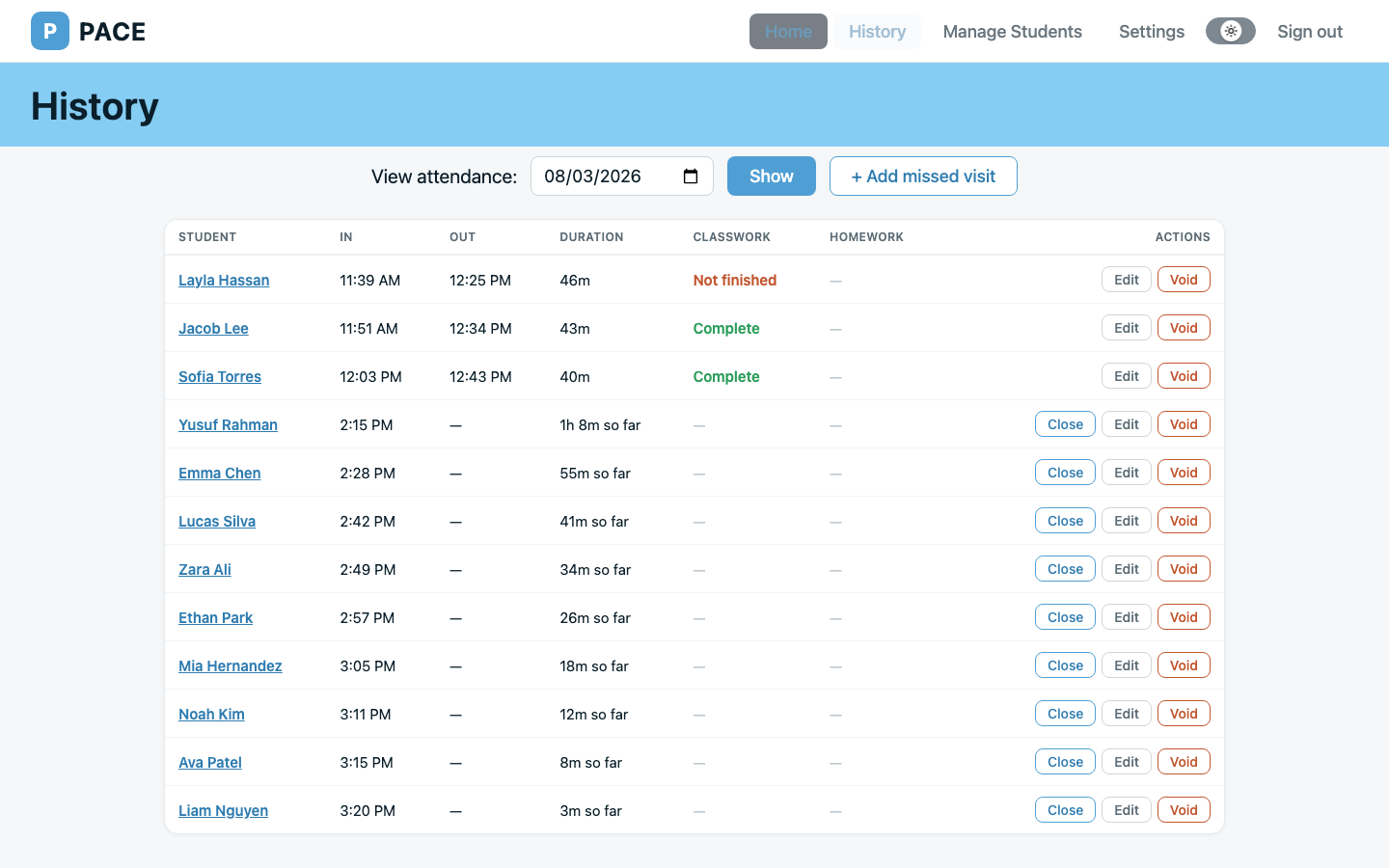
The kiosk shows a clear "connection lost" banner and keeps retrying by itself. Your help docs include a one-page paper fallback, and any missed visits can be added afterward — marked and audit-logged as manual corrections.
Is my students' information safe?
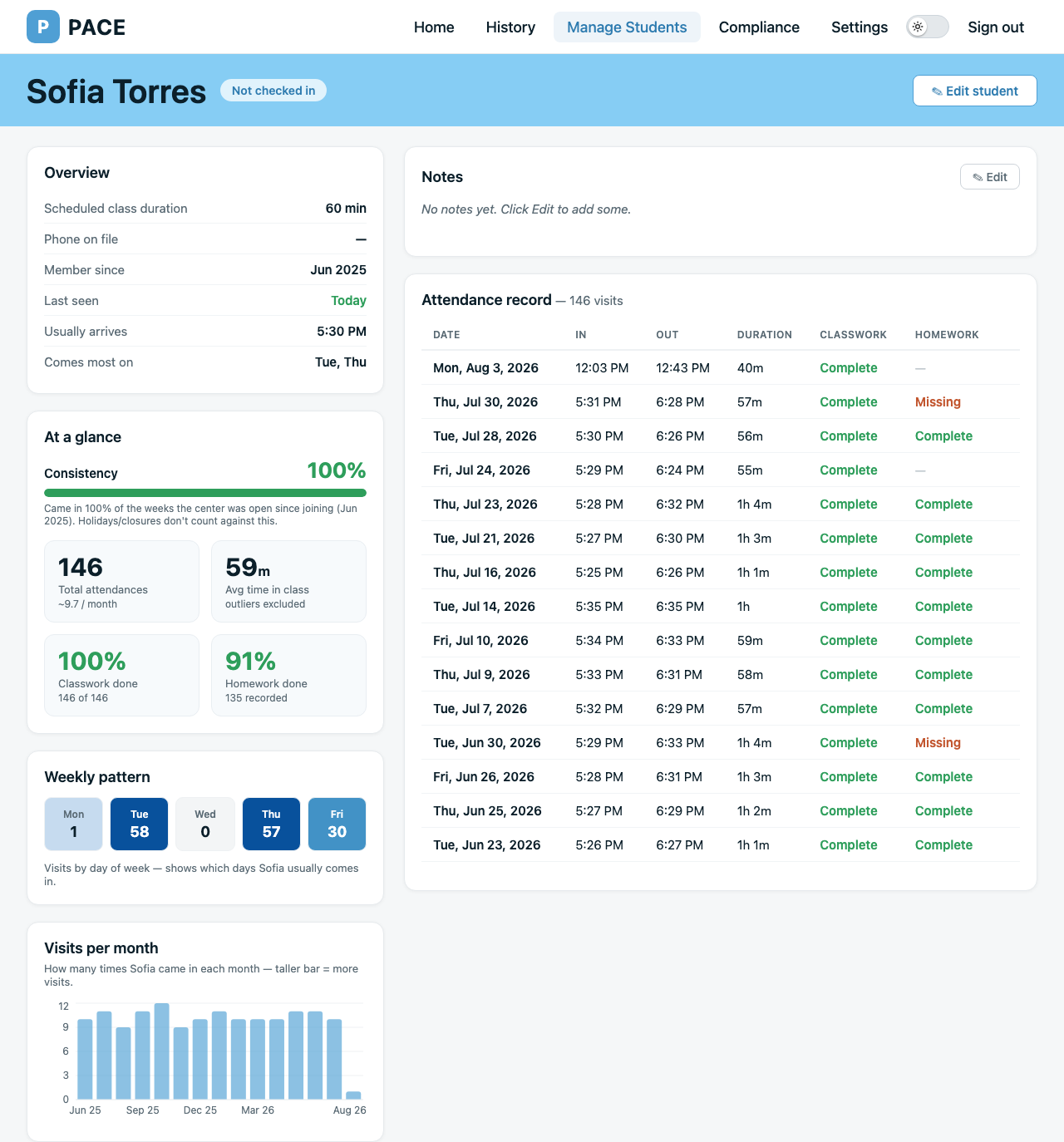
PACE stores the minimum: name, optional parent phone, and session length. The kiosk can only ever see names. Every center's data is isolated at the database level, and attendance records are retained for 2+ years and exportable — never silently deleted.
We've been using paper / a spreadsheet. How do we move?
Upload your roster as a CSV — PACE walks you through matching columns and reports anything it skipped. Most centers are checking students in the same afternoon.
Does this satisfy the corporate digital-attendance requirement?
PACE was built to the eight-point self-attestation checklist, and your dashboard includes a Compliance Report page that fills in each item with live evidence from your own records, formatted for printing. Kumon has asked US centers to complete the self-attestation by October 31, 2026, and a center that starts today has its records in place well before then.
What if I cancel?
Your center goes read-only — nothing is deleted, and you can still view and export everything. Subscribe again and check-ins resume instantly.